What it is
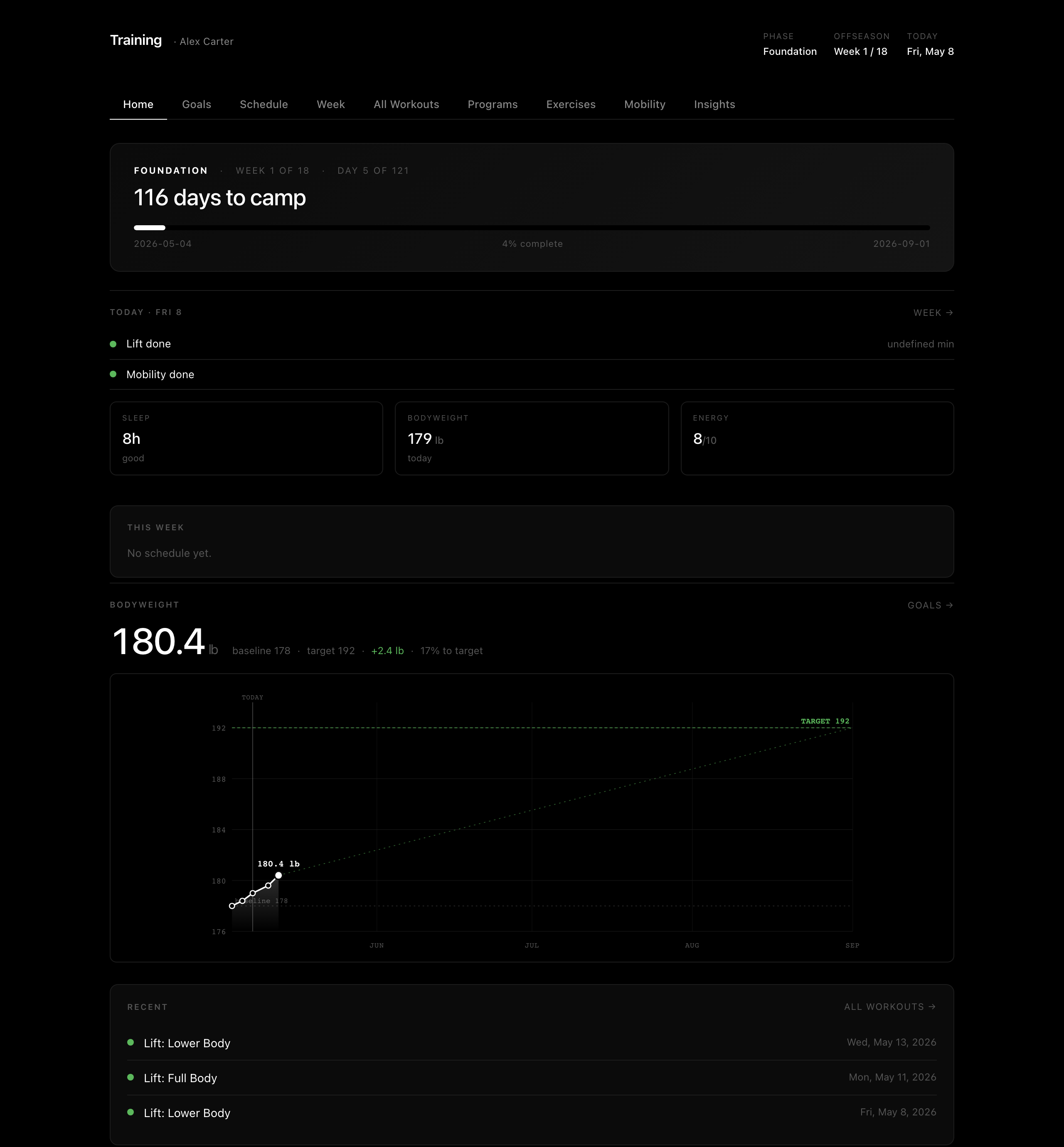
A single-file HTML dashboard that tracks your full offseason: schedule, daily workouts, mobility, sleep, soreness, and weekly reviews. You own the viewer; Claude Code owns the data.
The original version is what I use myself. This is the public template: same structure, no personal data, with a quick first-run setup.
Who it's for
Players (junior, college, pro) who want a simple dashboard for the offseason and don't want to fight with a clunky app. If you can use Claude Code, you can use this.
How I use it
Honestly, the dashboard is just the surface. Most of what makes it work is what I tell Claude.
Set it up with as much context as I can. When I start a new program block, I take pictures of my lift sheets, my plyo program, the conditioning plan from my team, my schedule, anything Claude should know, and send them all in. Claude reads them and writes them into the data files. From that point on, when I ask "what should I do today?", it knows.
Voice notes during workouts. Mid-session, I just talk into Claude on my phone: "trap bar 365 for 5, 385 for 3, felt easy", or "subbed in hex bar for box squat today, hip was tight". Claude logs it. No tapping through screens with chalk on my hands.
Tell it how I actually feel. Not just the numbers. What hurt, what felt off, what I ate before, how I slept, how the lift went overall. The dashboard tracks soreness, energy, sleep quality. All of that comes from me just typing or speaking how I'm feeling, and Claude pulls the structured pieces out.
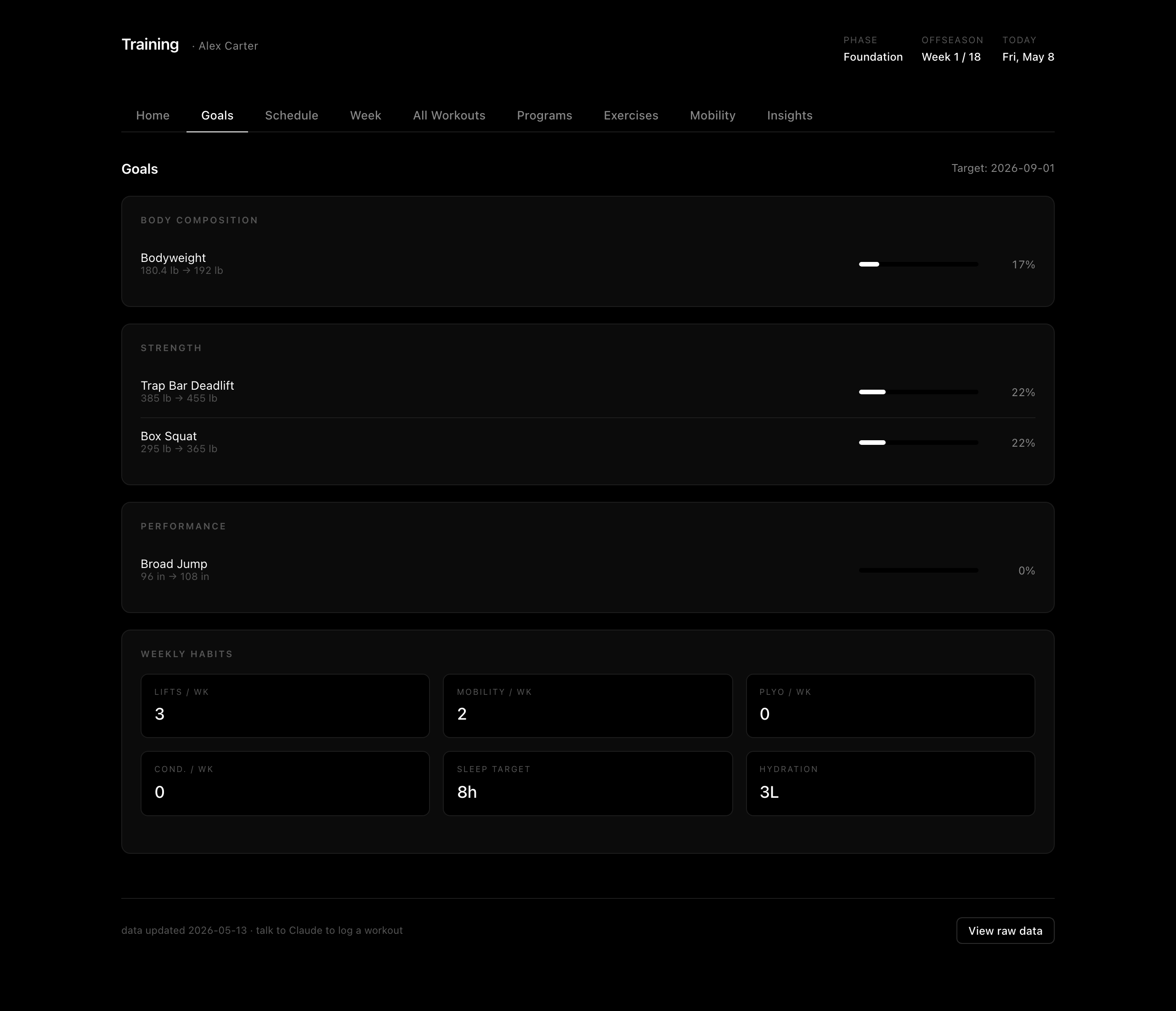
The data shape is yours. This is the part I think most people miss. The data files are just JavaScript. If you want to track something I don't (like ice time, video review, sleep stages), tell Claude to add a field. Whatever you give it, the dashboard adapts.
Get it running
git clone https://github.com/ridermcc/offseason-dashboard
cd offseason-dashboard
claude
Then say: "set up my dashboard". Claude will ask you 5 questions (name, position, start date, length, top goals) and fill in your config. Open index.html in your browser. Done.
What's next
- Daily check-ins: "Just finished lower lift" → Claude logs it
- Weekly reviews: "How am I doing?" → Claude pulls last 7 days vs plan
- Add programs: paste your team's lifting program, Claude formats it into the dashboard
Notes
The repo ships with the schema and viewer only. No programs included. You either bring your own (paste from your team / coach) or ask Claude to write one based on your goals during setup.